
Personalized Learning Journeys
Personalized Learning Journeys help you reach your goals faster by recommending a relevant set of courses based on your goals and situation.
You can create a focused journey that fits your time, your background, and what you actually need next, so every minute you spend learning feels meaningful.
Whether you want to build a new skill, prepare for a promotion, or explore a new HR domain, Personalized Learning Journeys help you stay clear, motivated, and moving forward.
This feature is currently available for members with Full Academy Access and select Flex Team License.
With Personalized Learning Journeys, you can:
- Skip the “one-size-fits-all” approach and focus on what matters to you.
- Save time by learning only what’s relevant.
- Get a clear next step when you’re not sure how to begin or continue your learning path.
- Stay motivated with visible progress and a sense of achievement.
- Reach career goals faster with a plan that aligns with your learning objectives.
How to create a learning journey
- Go to My Learning Journey in the top-left menu of the learning platform.
- Click Create my journey.
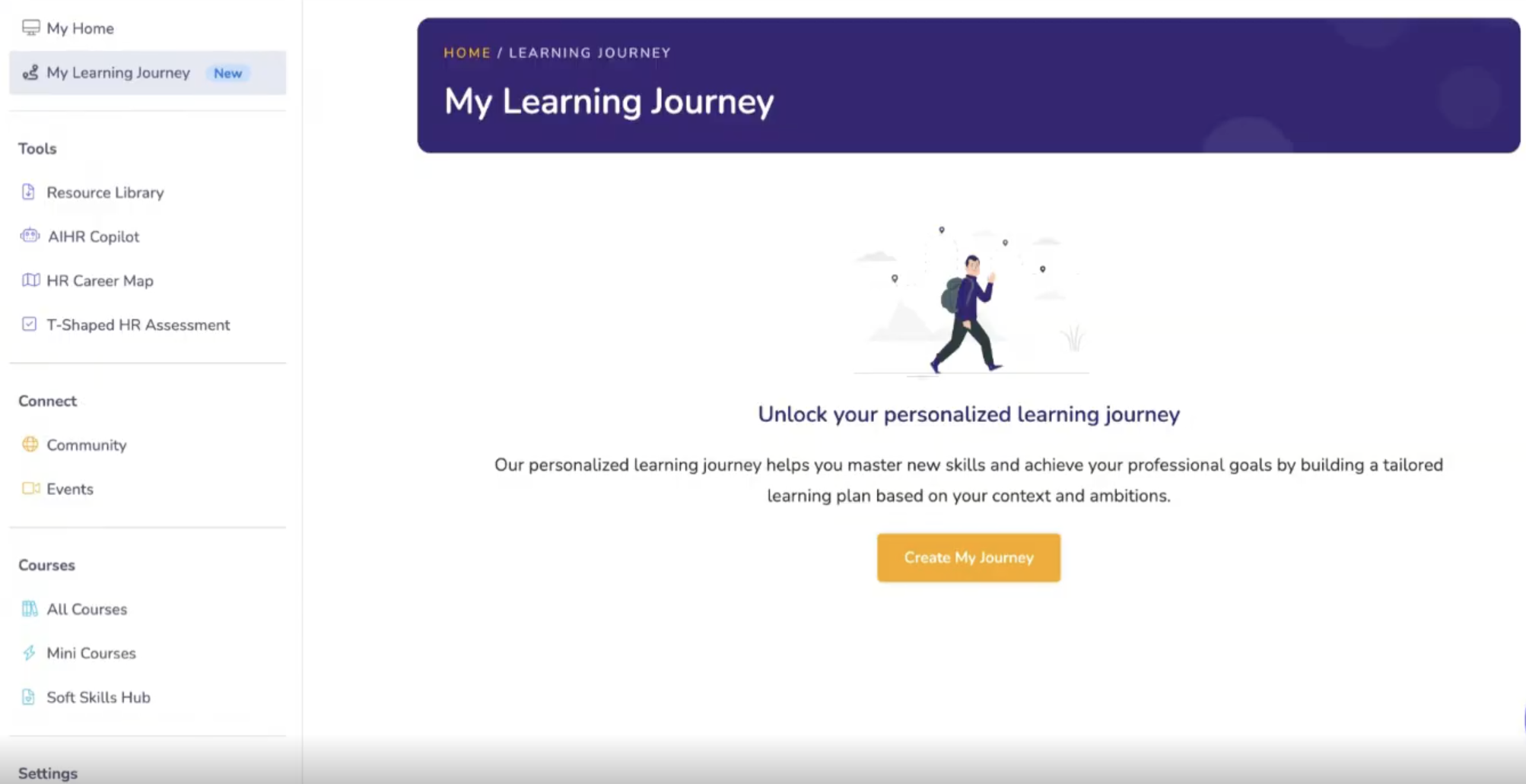
3. Choose your learning objective. You’ll be prompted to answer a few quick questions:
- What you want to achieve (like learning a new skill, preparing for a promotion, or switching HR domains)
- A bit about your current context (such as company size and your role)
- Submit your answers to generate your journey.
Once your journey is created, you’ll see up to 6 recommended courses, which you can take in any order.
Managing your learning journeys
- You can create up to 3 journeys at a time.
- To create another, click Add new journey at the bottom of the page.
- Journeys can’t be edited, but you can easily remove one and create a new version.
- If you want to delete a journey, you can delete it by using the trash can icon, found on the bottom right corner of the journey. Deleted journeys can’t be restored, but you’ll still have access to the courses.
What happens when you complete a journey?
- You’ll receive a congratulations message.
- The journey moves out of your active list.
- You’ll find it saved under Completed learning journeys at the bottom of the page, so you can track what you’ve achieved and keep that momentum going.
To complete a journey, you'll need to finish all courses in that journey.
It’s time to turn your goals into a clear plan, stay on track with progress you can actually see, and make every learning moment count, with recommendations that help you focus on what matters most right now. 😊